
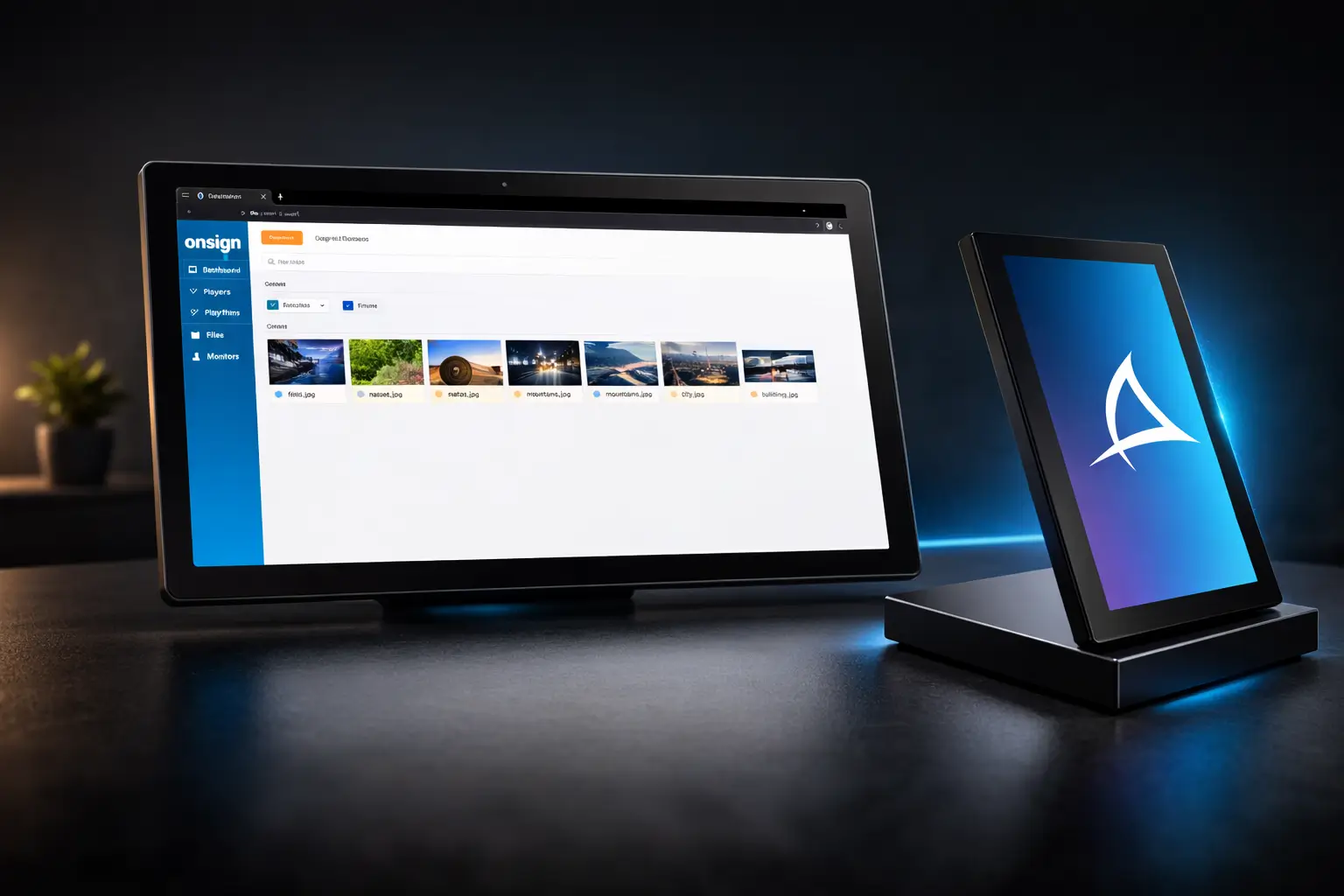
Introduction Modern businesses increasingly rely on digital signage to deliver dynamic communication across retail spaces, transportation hubs, hospitality venues, and corporate environments. To achieve reliable and scalable deployments, digital signage systems require both powerful display hardware and a flexible content management platform. The combination of Bluefin professional displays and the OnSign content management system (CMS) provides a complete digital signage ecosystem designed for performance, flexibility, and long-term reliability. Together, these technologies allow organizations to manage large display networks across different operating systems and hardware environments. Bluefin Reef Gen 2: Powering Android-Based Signage One of the newest innovations from Bluefin is the Reef Gen 2 display series. Built with Android 15 (AOSP) and 4GB of high-speed DDR4 memory, this generation delivers significant improvements in performance and graphical capabilities compared with previous models. The updated processor architecture enables faster system responsiveness and stable playback for demanding digital signage content. This makes Reef Gen 2 particularly suitable for high-traffic environments such as retail stores, restaurants, airports, and transportation hubs. Faster application launches Smooth animations and dynamic layouts Reliable playback for 4K and multi-zone content Optimized performance for interactive signage experiences These improvements ensure that digital signage networks can deliver high-quality visuals while maintaining consistent system stability. The OnSign + Bluefin Digital Signage Partnership The partnership between OnSign and Bluefin combines powerful hardware with enterprise-grade software to create a reliable signage platform for organizations of all sizes. OnSign’s cloud-based CMS allows businesses to control, monitor, and manage large networks of digital displays from a centralized interface. Together, the two platforms offer several advantages for modern digital signage deployments: Enterprise-level reliability – Bluefin displays are designed and manufactured for continuous operation in commercial environments. Real-time monitoring – OnSign provides remote diagnostics, playback verification, and system alerts. Cross-platform compatibility – The ecosystem supports Android, Windows, Linux, ChromeOS, and BrightSign devices. Flexible hardware options – Bluefin offers a wide range of screen sizes, formats, and customization capabilities. Reduced maintenance costs – Remote monitoring minimizes manual intervention and improves operational efficiency. A Unified and Future-Proof Signage Strategy One of the biggest advantages of the Bluefin and OnSign ecosystem is flexibility. Businesses can deploy digital signage networks using a variety of operating systems while maintaining a single centralized CMS platform. This approach allows organizations to standardize their content management workflows without being limited to a single hardware platform. Different environments may require different display formats or operating systems, and the Bluefin ecosystem supports this diversity while keeping network management simple. By combining scalable hardware with a powerful cloud platform, the Bluefin + OnSign ecosystem provides a future-ready signage solution capable of supporting large-scale deployments across many industries. Conclusion Digital signage continues to evolve as organizations seek more efficient ways to communicate with customers and audiences. Solutions that combine reliable hardware with flexible content management platforms are essential for building scalable display networks. Through the collaboration between Bluefin displays and the OnSign CMS platform, businesses gain a unified digital signage solution designed for stability, flexibility, and long-term performance across diverse environments.
The Role of Ergonomic Office Chairs in Preventing Back Pain
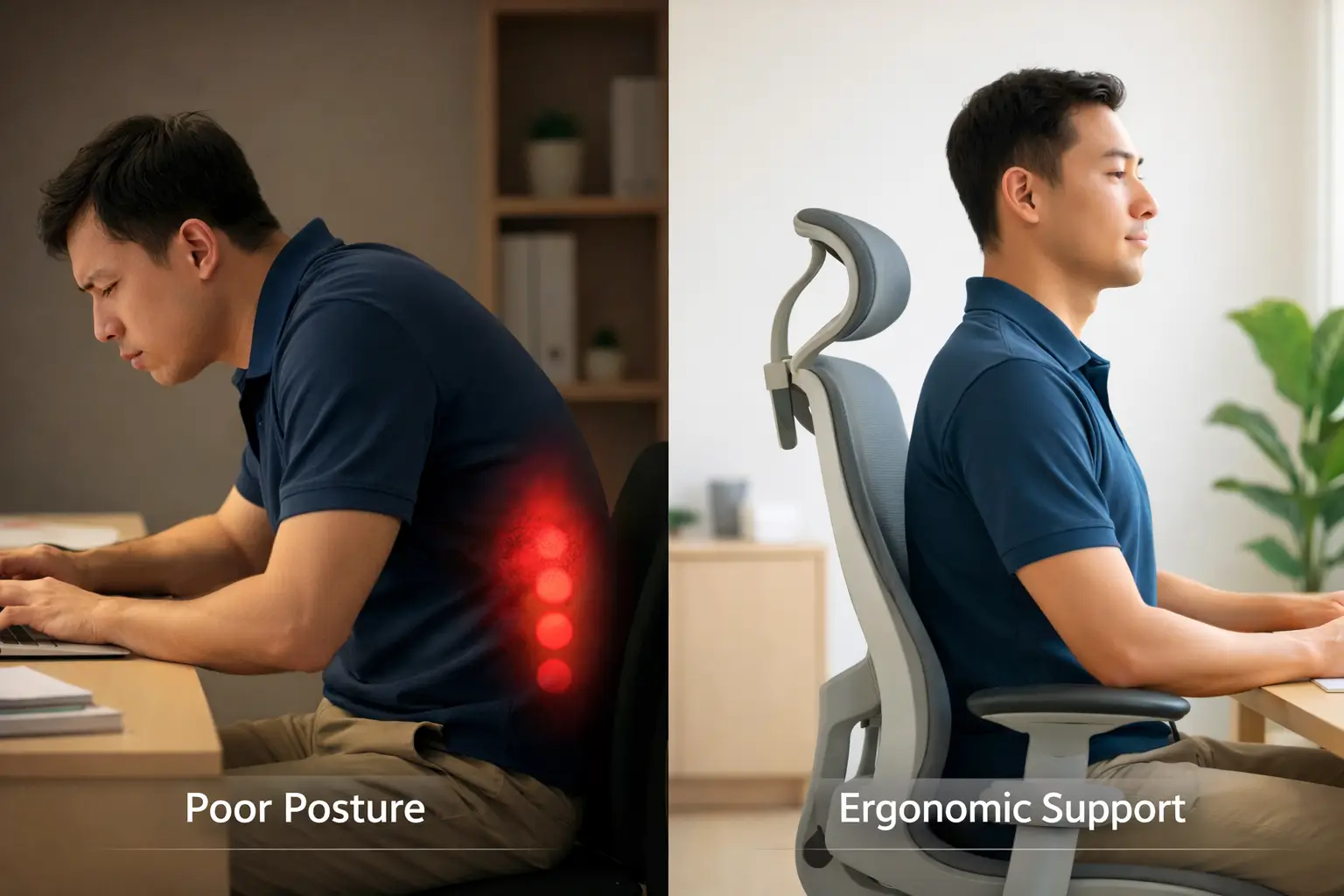
Introduction Back pain is one of the most common health issues affecting office workers around the world. Long hours of sitting, poor posture, and inadequate seating support can contribute to discomfort and long-term musculoskeletal problems. According to the World Health Organization, more than 619 million people globally live with low back pain, making it one of the leading causes of disability worldwide. For many office workers, prolonged sitting in poorly designed chairs is a significant contributing factor. While no single solution can completely eliminate back pain, ergonomic seating plays an important role in improving posture, reducing strain, and supporting healthier working environments. Why Back Pain Happens in Office Environments Sitting for extended periods can place stress on the spine and surrounding muscles. Without proper support, the body gradually moves into unnatural positions that increase strain on the lower back. Static posture – Sitting for long hours reduces blood circulation and stiffens spinal structures. Lack of lumbar support – Without proper support, the spine may collapse into a curved position, increasing pressure on muscles and discs. Non-adjustable seating – Fixed chairs can force the body into awkward positions that lead to discomfort over time. These factors highlight the importance of properly designed office furniture in modern workplaces. Understanding Ergonomics in Office Seating Ergonomics focuses on designing products and environments that support the natural movement and posture of the human body. In workplace seating, ergonomic design helps reduce strain on the spine and encourages healthier sitting habits. Ergonomic office chairs typically provide features such as: Support for the natural curve of the spine Adjustable seat height and seat depth Reclining mechanisms for posture variation Adjustable armrests to reduce shoulder tension Flexible backrests that adapt to body movement These features allow office workers to maintain comfortable postures during long working hours. What Research Says About Ergonomic Seating Research on workplace ergonomics suggests that well-designed office chairs can help reduce discomfort and improve workplace productivity. Studies focusing on office environments have shown that adjustable seating and proper workstation design may reduce the risk of lower back discomfort in certain conditions. However, ergonomic chairs should not be viewed as a medical solution. Instead, they are one part of a broader strategy that includes regular movement, proper desk setup, and healthy working habits. Merryfair’s Approach to Ergonomic Office Furniture As a leading office furniture manufacturer, Merryfair focuses on designing chairs that adapt to the human body rather than forcing the body to adapt to the chair. Their designs incorporate ergonomic principles aimed at improving comfort and supporting natural movement. For example, the WAU chair includes a glide mechanism that moves naturally with the user’s body, along with adjustable lumbar support that helps maintain comfort during long working hours. Rather than claiming to cure back pain, Merryfair chairs are designed to promote healthier sitting habits and support modern workplace environments. Conclusion Back pain continues to affect millions of workers worldwide, especially in office environments where long hours of sitting are common. Ergonomic seating, combined with healthy workplace habits, can play an important role in improving comfort and reducing strain on the body. By aligning design with ergonomic research and modern workplace needs, Merryfair contributes to creating healthier work environments where employees can remain comfortable, productive, and focused throughout the day.
Understanding Air Purifiers: Key Terms You Should Know
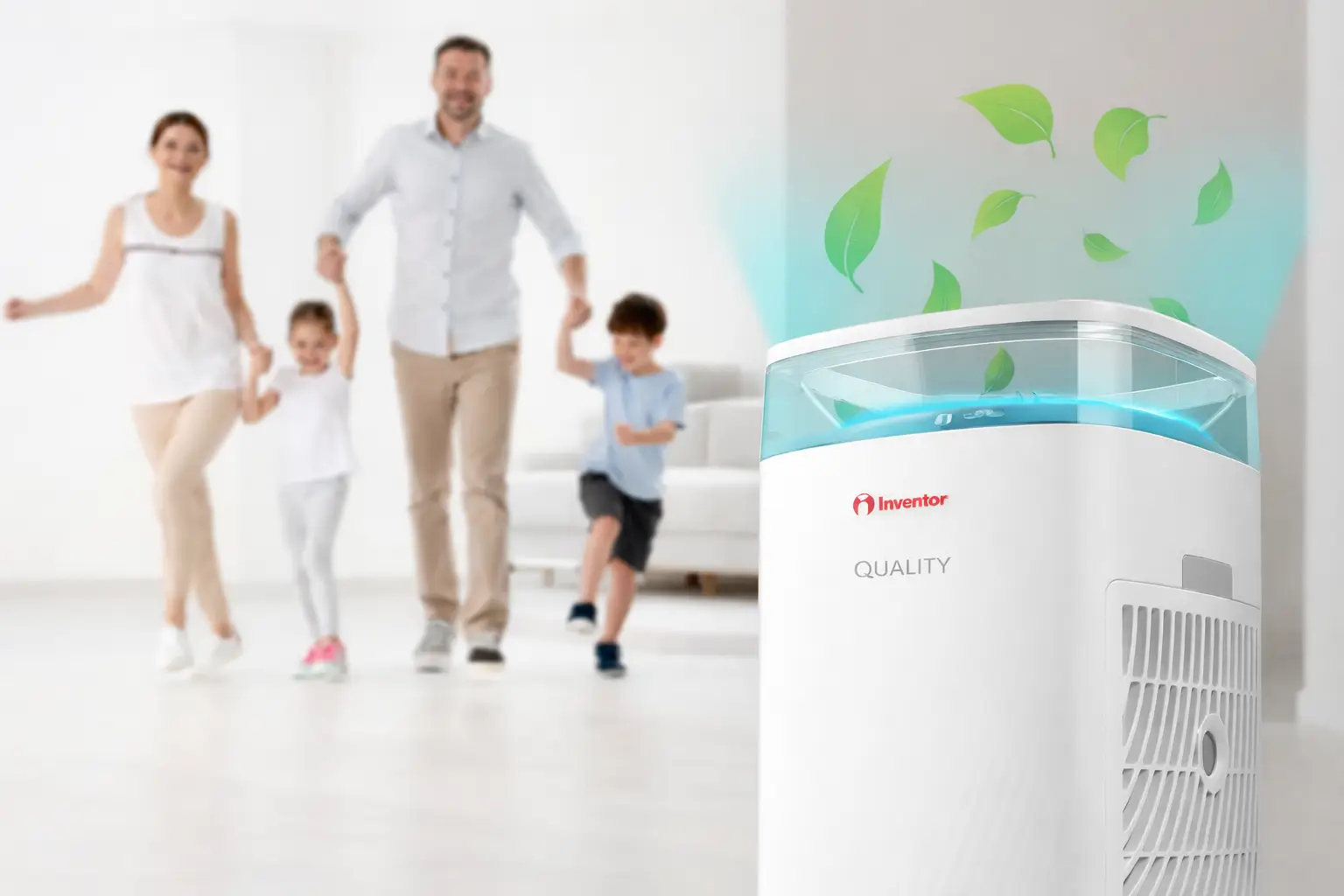
Introduction As air purifiers become increasingly common in homes and workplaces, understanding how these devices operate becomes more important. Modern air purification systems help improve indoor air quality by removing harmful particles, allergens, and pollutants from the air. Before choosing an air purifier, it is helpful to understand several technical terms that are commonly used when evaluating air purification performance. These indicators help determine how effectively a device can clean the air in your space. CADR (Clean Air Delivery Rate) CADR stands for Clean Air Delivery Rate, which measures how quickly an air purifier can filter airborne particles such as dust, smoke, and pollen. The CADR rating indicates the volume of clean air produced by the purifier per hour. This value helps determine whether an air purifier is suitable for the size of your room. For example, an air purifier with a CADR of 300 m³/h can effectively cover spaces up to approximately 45 m², while a model with a CADR of 500 m³/h can cover areas up to 80 m². In general, higher CADR ratings indicate faster air purification and better performance in larger spaces. PM2.5 (Particulate Matter) PM2.5 refers to fine airborne particles with a diameter of 2.5 micrometers or smaller. These microscopic particles are small enough to enter the respiratory system and may affect human health if present in high concentrations. Common sources of PM2.5 include vehicle emissions, cigarette smoke, pollen, dust, bacteria, and pet dander. Because these particles are extremely small, they can remain suspended in the air for long periods. Air purifiers equipped with high-efficiency filters help reduce PM2.5 levels, improving indoor air quality and creating a healthier environment for occupants. VOC (Volatile Organic Compounds) Volatile Organic Compounds, commonly known as VOCs, are chemicals that easily evaporate into the air at room temperature. These compounds can originate from both natural sources and everyday household products. Common examples of VOC sources include gasoline fumes, cleaning products, paint, nail polish remover, deodorants, and certain building materials. Exposure to high levels of VOCs may lead to respiratory irritation, allergies, or other health concerns, especially for children and sensitive individuals. Advanced air purification systems are designed to capture and neutralize VOCs, helping maintain cleaner and safer indoor air environments. Conclusion Understanding technical terms such as CADR, PM2.5, and VOC helps consumers make better decisions when choosing an air purification system. These indicators provide valuable insights into how effectively an air purifier can improve indoor air quality. Modern air purification technologies from manufacturers like Inventor are designed to address a wide range of airborne pollutants, creating healthier living and working environments for homes, offices, and commercial spaces.
LED Walls for Virtual Production: A Complete Technical Guide
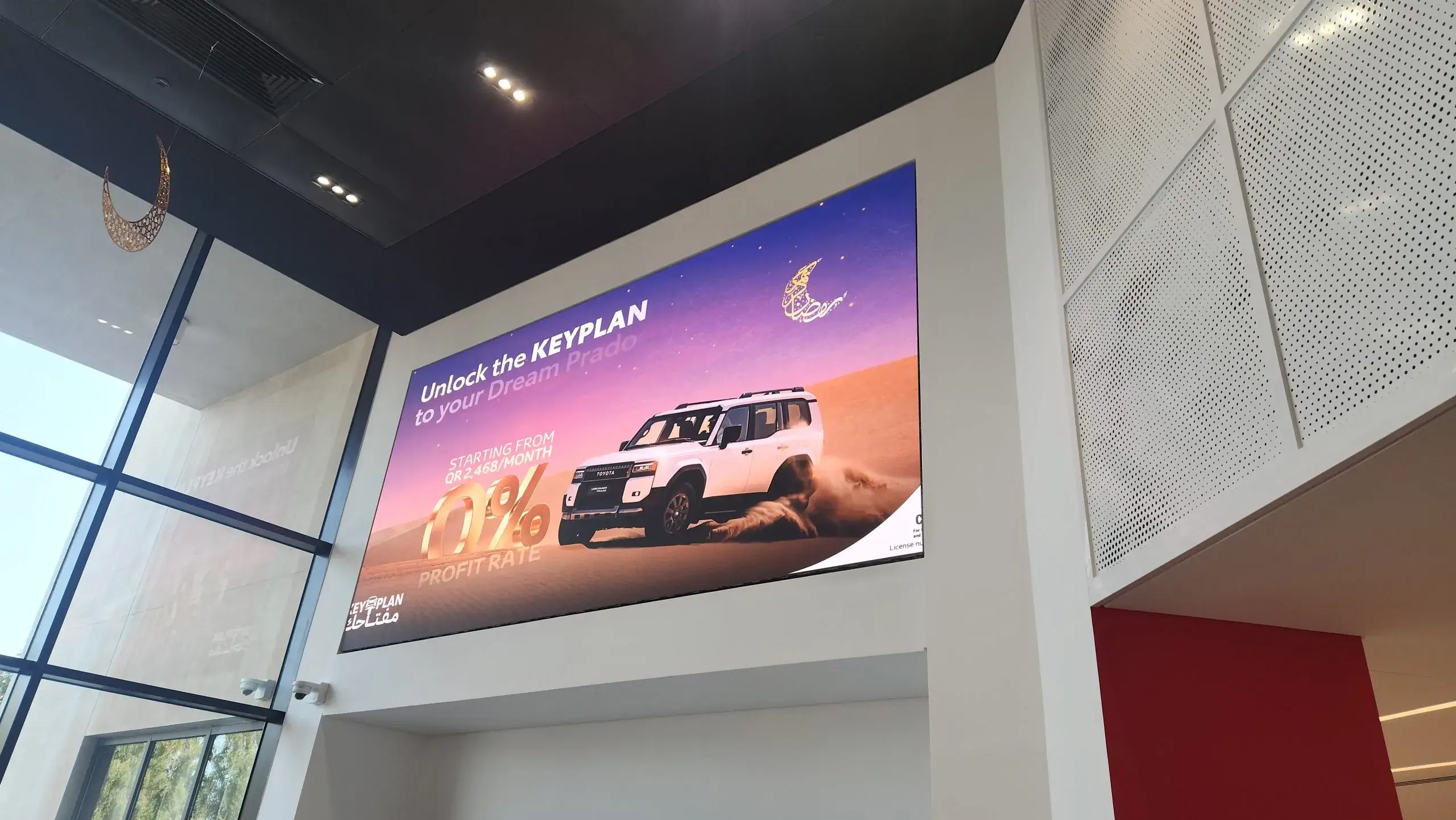
Introduction Virtual production has transformed how films, commercials, and television content are created. Instead of relying on traditional green screens, modern studios are using large LED walls to create realistic environments directly on set. These LED walls display dynamic backgrounds generated by real-time rendering engines such as Unreal Engine, allowing filmmakers to capture final visual effects directly in the camera. However, virtual production is far more complex than simply installing an LED wall behind the actors. The system must synchronize cameras, rendering engines, processing hardware, and color pipelines to deliver stable, cinematic results. Even small technical mismatches can lead to visual artifacts such as moiré patterns, flickering, or timing issues during filming. What “VP-Ready” LED Walls Actually Mean LED walls used for virtual production serve two important purposes. First, they provide high-resolution backgrounds that appear realistic on professional cinema cameras. Second, they act as lighting sources that produce natural reflections and illumination on actors, props, and surrounding environments. Several technical factors determine whether an LED wall is suitable for virtual production environments. Pixel pitch – The distance between pixels, measured in millimeters. Smaller pixel pitches improve detail and reduce visible pixel structures. Refresh behavior – The speed and timing of how LED panels update their images, which affects flicker and camera artifacts. Genlock and synchronization – Aligning the LED processor, camera system, and rendering engine to ensure frames remain synchronized. Color management – Maintaining consistent white balance, grayscale accuracy, and color reproduction across the LED wall. In professional virtual production environments, stability and synchronization are often more important than raw display specifications. Common Challenges in Virtual Production During real filming conditions, cameras often reveal issues that are invisible to the human eye. One common problem is moiré, a visual pattern created when the LED pixel grid interferes with the camera sensor’s sampling pattern. This effect depends on pixel pitch, lens selection, focus distance, and camera settings. Another challenge is synchronization. Virtual production stages rely on multiple systems working together, including camera tracking systems, rendering computers, and LED processors. Without proper synchronization, small timing differences can create rolling bands, brightness fluctuations, or visual tearing across the display. Clustered rendering systems are also used to drive large LED volumes. These systems require multiple computers to render different sections of the display simultaneously. If the rendering nodes fall out of sync, visual seams or timing differences may appear on the LED wall. How to Evaluate LED Walls for Virtual Production When designing a virtual production stage, the LED wall should be evaluated as part of a complete camera system rather than simply as a display product. Testing should focus on real shooting conditions rather than ideal laboratory specifications. Test multiple camera frame rates and shutter angles. Evaluate performance at different brightness levels. Check for moiré using different lenses and focus distances. Validate synchronization between cameras, rendering engines, and LED processors. Color calibration is also critical. Because LED walls act as lighting sources, accurate color reproduction ensures that skin tones, shadows, and reflections remain consistent throughout filming. The Importance of Reliable LED Technology Reliable LED systems are essential for successful virtual production environments. Long shooting days require displays that maintain consistent brightness, stable synchronization, and accurate color reproduction across the entire LED volume. Manufacturers such as Infiled focus on engineering LED systems specifically for professional production environments. Their LED technologies emphasize timing stability, calibration accuracy, and operational reliability, helping studios maintain consistent visual performance during complex filming workflows. Conclusion LED walls have become a key technology in modern filmmaking and broadcast production. When properly designed and integrated, virtual production environments allow creators to capture realistic backgrounds, lighting, and reflections directly on set. However, the success of a virtual production stage depends on more than display specifications. Synchronization, color management, camera compatibility, and system stability all play critical roles. By carefully evaluating these factors, studios can build LED environments that deliver predictable and cinematic results for virtual production workflows.